



This option is only available if the module Export/import prices (module number 103) is activated. With this, article information that has been altered in Microsoft Excel can be imported back.
Read the manual Export article information how the article information can be exported and altered in Microsoft Excel.
Open the menu File --> Import --> Article information.
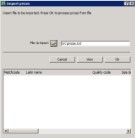


Click on the Explorer-button and select the desired import file.
After selecting, the import can directly be started by clicking on [OK].
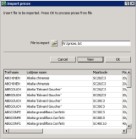
With help of [View] the lines from the import file can be shown in the list field. The shown information can then be checked. In this list field no data can be altered.
Click on [OK] to import the information. Only the articles that are in the import file will be altered in WinTree.
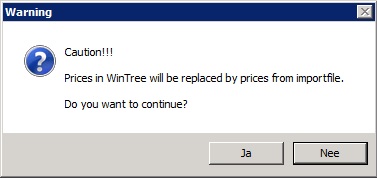
Click on [Yes] to confirm starting the import. Depending on the amount of lines in the file, the import can take a few minutes.
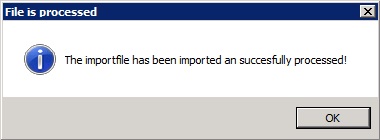
After importing the window above will be shown.
The import was successful. All windows will be closed afterwards.
 |
Only file format .TXT can be imported. Next to this the layout of the file has to be exactly the same to the layout of the export file. In case the file is not correct, then this will be shown in a warning on screen. Fix the layout of the file in Excel and save the file the correct way. |